

Sign in
1
Open the monitor
2
Pick the account that holds the membership
Whop uses the Whop account the membership was bought on. If you didnt bought on Whop, you have to select Tweet Catcher login. Use Login as a team only when someone has invited you to their team
3
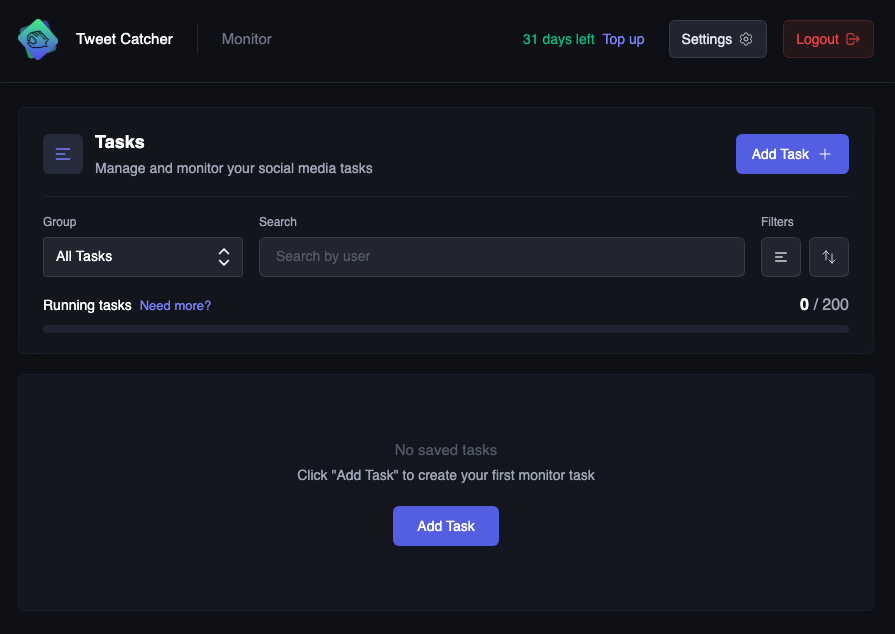
Land on Tasks
The home page lists saved tasks and utilization informations
Create the first task
1
Add Task
Click on Add Task
2
Choose Twitter and a handle
Leave Module on Twitter. Enter the handle in User Handle with no
@3
Choose what to watch
Posts is enough for a first task. Add Retweets, Replies, Following, or User Updates if you need them. Details are on Create a task
4
Choose where to send events
Discord needs a channel webhook. Telegram needs the chat ID from /chat_id. Webhook and WebSocket require Pro membership
5
Start it
Turn on Start on save, then click Start Task. The row shows Running
running / limit can be seen above the tasks list
If you need more tasks, you can upgrade to Pro or extend your limit by adding more tasks with Addons